1. Visit:
Or scan this QR code with your phone.
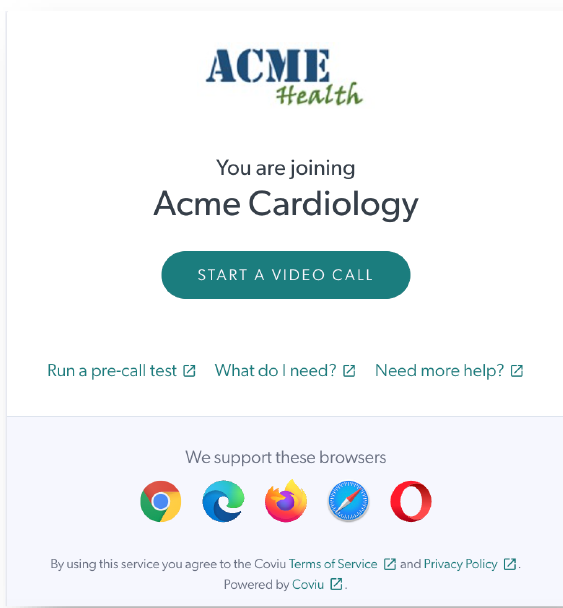
2. Click the START A VIDEO CALL button on the page.
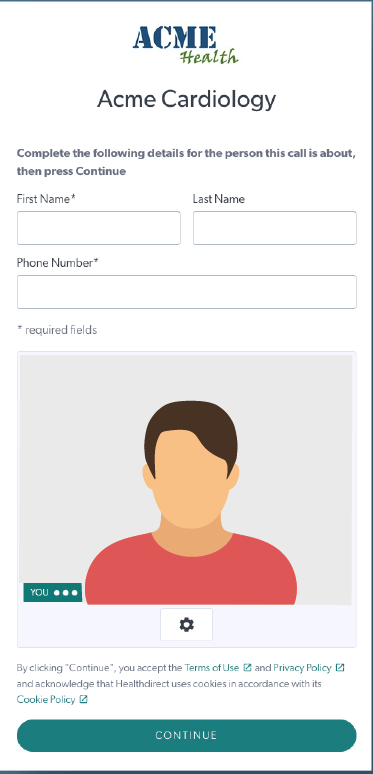
3. Enter your name and any other details requested then press CONTINUE
4. Join the waiting area
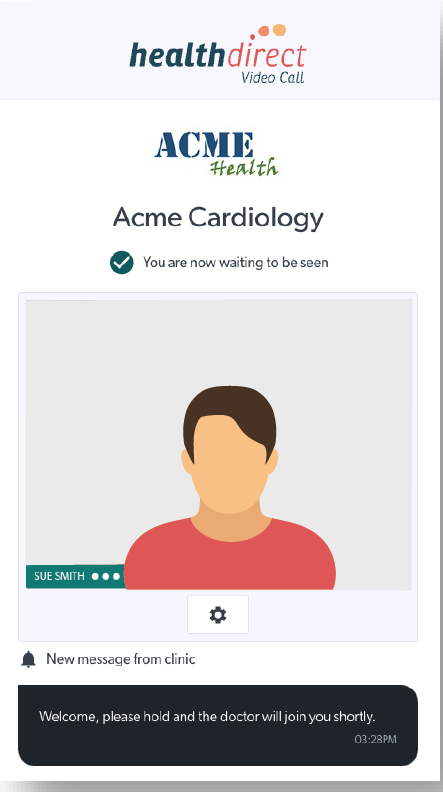
You will see a message that you are waiting to be seen. Please don't leave this page.
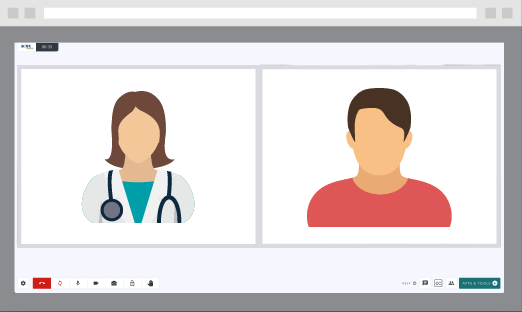
5. Your health service provider will appear when ready, and your appointment will start
 TIP: Find a quiet place with good lighting for the best experience. Please ensure your device has sufficient charge and a good internet connection.
Need help?